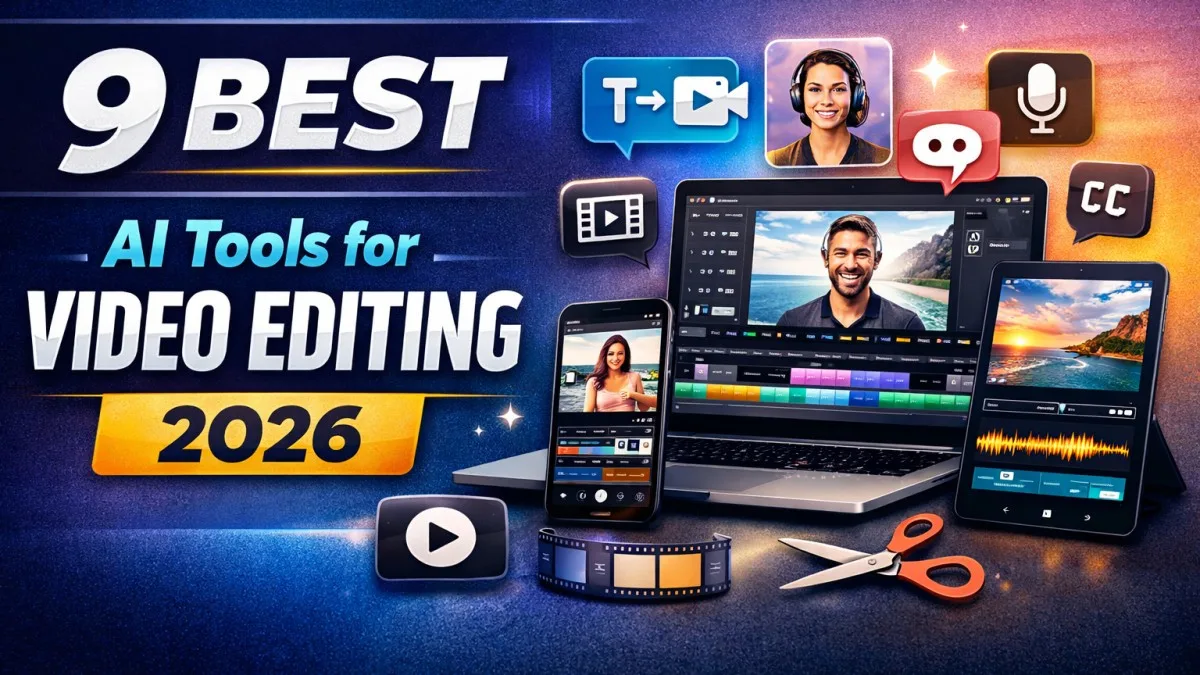
Video editing is no longer a “professional-only” skill. In 2026, AI has made video creation faster, easier, and smarter than ever. Whether you’re creating YouTube videos, Instagram reels, shorts, ads, or business promos, AI video editing tools can now handle most of the heavy work automatically.
Modern AI editors can do things like:
auto cut & trim footage, remove silent parts, generate subtitles, clean background noise, improve video quality, and even create videos from a simple prompt.
After testing many platforms across web, desktop, and mobile, we created this list of the best AI video editing tools in 2026 that are practical, creator-friendly, and worth using.
Quick Comparison Table (Best AI Video Editors 2026)
| Tool | Platform | Best For | Free Plan | Starting Price |
|---|---|---|---|---|
| Clipchamp | Web | Beginners + quick edits | Yes | ₹899/month |
| Kapwing | Web | Teams + branding | Yes | $16/month |
| InVideo | Web | Prompt-based video | Yes | $35/month |
| DaVinci Resolve | Desktop | Pro editing + AI workflows | Yes | ₹29,980 (one-time) |
| CapCut | Desktop/Mobile | Shorts & trending content | Yes | $19.99/month |
| PowerDirector | Desktop | Quick pro edits | Yes | $59.99/year |
| LightCut | Mobile | Travel + drone videos | Yes | Free |
| InShot | Mobile | Reels & casual editing | Yes | ₹279/month |
| Videoleap | Mobile | Creative AI effects | Yes | ₹9,900/year |
Table of Contents
Best Web-Based AI Video Editing Tools (2026)
If you want fast results without downloading software, web-based editors are perfect. They work directly in the browser and are ideal for creators, marketers, and beginners.
1) Clipchamp (Web)
Clipchamp is one of the simplest online AI video editors available today. It is designed for speed and clean editing. Upload your clips, and the AI helps with trimming, captions, audio cleanup, and formatting videos for different platforms.
Top AI Features
- Auto subtitle generation
- Text-to-speech voiceovers
- Background noise cleaning
- Silence detection and removal
- Fast resizing for reels/shorts/YouTube
- AI-assisted editing templates
Pricing
- Free plan available (Full HD export included)
- Paid plan starts at ₹899/month (4K export + premium assets)
✅ Best for: Beginners and creators who want quick, clean videos online
2) Kapwing (Web)
Kapwing is a creator-first editor built for social media. What makes it powerful is that it mixes AI automation with team-friendly collaboration. It’s widely used by brand teams, agencies, and online media creators.
Top AI Features
- AI text-to-speech voice
- AI dubbing in 40+ languages
- AI avatars (lip-sync support)
- Script/document to video conversion
- Auto clip creation from long videos
- Collaborative editing workspace
Pricing
- Free plan available (watermark + export limits)
- Paid plan starts from $16/month (annual billing)
✅ Best for: Social media teams and brand-focused content creators
3) InVideo (Web)
InVideo is a strong tool for people who want AI to generate full videos from ideas. You enter a topic, script, or prompt, and it creates a structured video with visuals, captions, and voiceover options.
Top AI Features
- Prompt-to-video generation
- Auto captions and subtitles
- AI avatars for voice videos
- Instant short-form clip generator
- Edit & refine after AI output
Pricing
- Free plan available (watermark + limited exports)
- Paid plans start from $35/month (annual billing)
✅ Best for: UGC creators, advertisers, and promo video makers
Best AI Video Editing Software for Windows & Mac (2026)
Desktop tools give more control, better timeline editing, and higher output quality—great for YouTube and professional work.
4) DaVinci Resolve (Windows/Mac)
DaVinci Resolve is widely considered the most powerful editor in its category. In 2026, its AI features have become even more useful—especially for script-based editing, smart audio fixes, and scene detection.
Top AI Features
- AI script-based editing (Intelliscript workflows)
- Smart scene cut detection
- AI subtitle creation and animation
- Noise removal and audio leveling
- Multicam auto switching
Pricing
- Free version available
- Studio version: ₹29,980 (one-time)
✅ Best for: Professional editors, serious YouTubers, filmmakers
5) CapCut (Windows/Mac)
CapCut is a creator favorite because it blends simplicity with powerful AI. It’s especially strong for short-form videos and trending style edits.
Top AI Features
- AI video creation from scripts
- Auto short creation from long videos
- AI avatar video support
- Background removal
- Video stabilization and enhancement
Pricing
- Free plan available
- Paid starts at $19.99/month
✅ Best for: Shorts creators, beginners, and trend content
6) PowerDirector (Windows/Mac)
PowerDirector is a balanced AI editor: it is easy enough for beginners but still strong enough for professional results. It works smoothly on mid-range laptops too.
Top AI Features
- Text-to-video generation
- AI voice tools (text-to-speech)
- Background removal without green screen
- AI video sharpening and enhancement
- Smart template-based editing
Pricing
- Free version available
- Paid plan starts from $59.99/year
✅ Best for: Fast editing with strong AI automation
Best AI Video Editing Apps for Android & iOS (2026)
Mobile video editing has become extremely powerful. These apps are best for reels, travel content, quick promos, and content creation on the go.
7) LightCut (Android/iOS)
LightCut is a clean one-tap AI editor that’s perfect for travel creators. It is also popular among DJI users because it’s optimized for drone footage.
Top AI Features
- One-tap story generation
- Smart footage selection
- AI templates and themes
- Auto music sync
- Drone-video optimization
Pricing
- 100% Free
✅ Best for: Travel creators and drone editors
8) InShot (Android/iOS)
InShot is one of the most used editing apps globally. In 2026, it continues to lead for reels and daily content editing with AI enhancements.
Top AI Features
- AI clip trimming
- One-tap enhancement tools
- Text-to-voice
- Object cutout effects
- Trending effects and transitions
Pricing
- Free version available (watermark)
- Pro starts at ₹279/month
✅ Best for: Casual creators, reels, Instagram stories
9) Videoleap (Android/iOS)
Videoleap is made for creative edits. If your goal is aesthetic content, experiments, effects, and unique AI visuals—this app fits perfectly.
Top AI Features
- AI voice cloning tools
- Prompt-based creative effects
- AI recolor filters
- Frame expansion and uncrop tools
- Unique cinematic-style effects
Pricing
- Free plan available (watermark)
- Paid starts at ₹9,900/year
✅ Best for: Creative editing and viral-style content
How We Selected These AI Video Editors
We tested these tools using different real projects like:
YouTube videos, reels, promotional ads, voice videos, educational shorts, and explainer content.
Selection Factors
- AI feature usefulness (not gimmicks)
- Editing workflow speed
- Export quality and stability
- Free plan value vs paid upgrades
- Beginner friendliness and learning curve
Why Trust Zesevo
Zesevo focuses on real usability, not marketing hype. Every editor mentioned in this list was checked for practical creator use, UI comfort, output quality, and real-world editing tasks.
We recommend tools that actually save time and improve productivity.
Final Verdict (Which Tool Should You Choose?)
If you want the best overall AI-powered professional editor:
✅ DaVinci Resolve
If you create reels/shorts daily and want quick viral edits:
✅ CapCut + InShot
If you want web-based editing without software installation:
✅ Clipchamp
If you want AI to generate videos from text/prompt:
✅ InVideo
Frequently Asked Questions
What is the best AI video editor in 2026?
For professional work, DaVinci Resolve is the most advanced. For beginners, Clipchamp and CapCut are top choices.
Can AI fully edit a video automatically?
Yes. Many tools can generate videos, remove silences, add captions, clean audio, and create shorts automatically.
Are AI video editing tools copyright safe?
Most platforms offer licensed assets in premium plans. Still, always check usage rights before monetization.
Which AI video editor is best for mobile?
InShot for daily editing, LightCut for travel videos, and Videoleap for creative effects.
Are these tools beginner-friendly?
Yes. Most tools here are built specifically for beginners, with templates and one-tap AI editing.