Reading long PDFs is time-consuming. Whether it’s research papers, business reports, legal documents, or study material, finding the exact information you need often takes more time than expected.
This becomes frustrating when you’re working with large files and tight deadlines. Instead of scanning page by page, AI tools for chatting with PDFs allow you to ask questions directly and get clear answers within seconds.
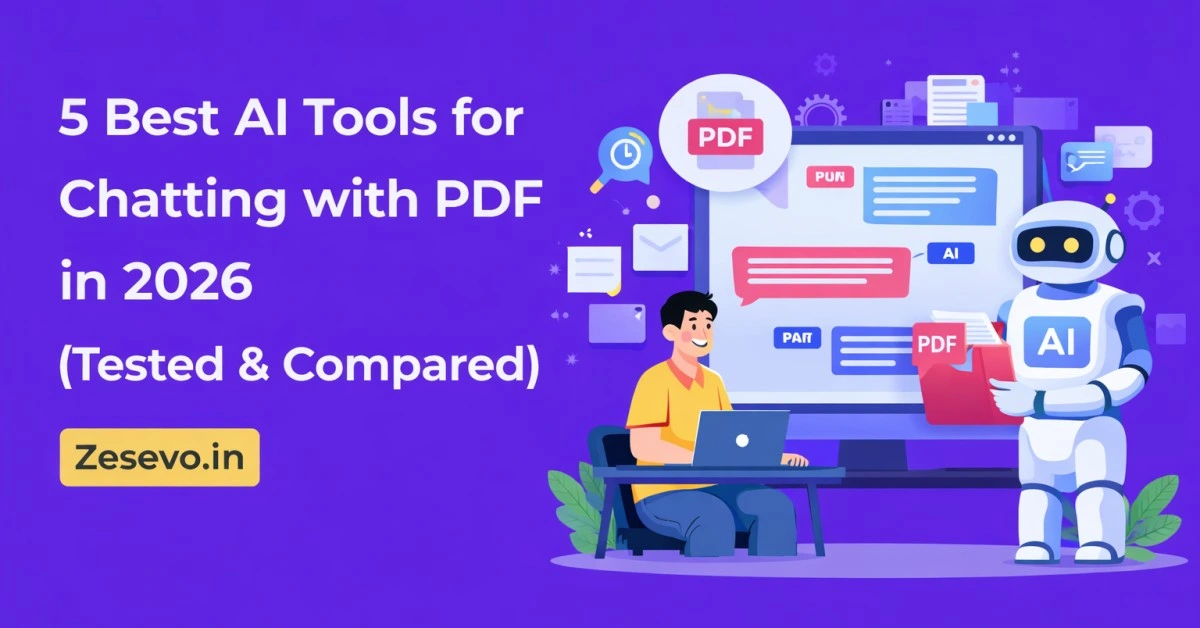
Over the past few weeks, I tested several AI PDF chat tools with different types of documents—academic notes, reports, manuals, and marketing PDFs. Based on usability, accuracy, and free limits, here are the 5 best AI tools for chatting with PDFs in 2026.
Table of Contents
What Are AI Tools for Chatting with PDFs?
AI PDF chat tools allow you to upload a document and interact with it using natural language.
Instead of reading the entire file, you can:
- ask questions
- request summaries
- extract key points
- search for specific data
- translate content
These tools are useful for students, researchers, professionals, and business users who regularly work with documents.
How I Selected These PDF Chat Tools
To keep this list practical and ranking-focused, I compared tools using real usage scenarios.
I evaluated each tool based on:
- accuracy of answers
- clarity of summaries
- support for large PDFs
- free plan limits
- ease of use
- handling of technical documents
- privacy and data handling
Only tools that were usable on the free plan made it to this list.
5 Best AI Tools for Chatting with PDF (2026) Comparison Table
| Tool | Free PDF Limit | AI Models | Best For |
|---|---|---|---|
| ChatPDF | 2 PDFs/day | GPT-4o, GPT-4o-mini | Fast & simple usage |
| Sharly | 10 PDFs/month | GPT-4o, GPT-4o-mini, o1 | Customized responses |
| SciSpace | Limited | Not specified | Academic & citation-based analysis |
| AskYourPDF | 2 PDFs/day | GPT, Claude, Gemini | Multi-format & audio |
| SmallPDF | 4 PDFs/day | GPT-4o-mini | Integrations & privacy |
1) ChatPDF – Best for Simple & Fast PDF Queries
ChatPDF is one of the easiest tools to use if you want quick answers from a PDF. You don’t need to sign up—just upload the file and start asking questions.
It works well with both academic and non-academic documents and supports multilingual responses.
Why it works well in real use
ChatPDF processes documents quickly and provides direct answers without unnecessary formatting. It’s useful when you need information fast rather than detailed analysis.
Limitations
- Struggles with complex reasoning questions
- Free plan has daily limits
Best for
Students, professionals, and users who want instant answers without setup.
2) Sharly – Best for Customized Output
Sharly focuses on structured and customizable outputs. You can control answer length, language, and response style, which is helpful for professional use cases.
It also supports cloud uploads from platforms like Google Drive and Dropbox.
Why it’s useful
Sharly is useful when you need clean, well-structured summaries instead of casual responses. It works well for reports, proposals, and business documents.
Limitations
- Hindi output support is limited
- Free plan limits may feel restrictive
Best for
Researchers, analysts, project managers, and teams.
3) SciSpace – Best for Technical & Citation-Based Analysis
SciSpace is designed mainly for academic and research documents. It provides citation-linked answers, making it useful for technical subjects.
It also offers side-by-side PDF viewing and suggested questions.
Why it stands out
SciSpace shows where answers come from inside the document. This makes it reliable for study and research use.
Limitations
- Slower processing compared to other tools
- Limited upload sources
Best for
University students, researchers, and technical professionals.
4) AskYourPDF – Best for Multiple Formats & Audio Output
AskYourPDF supports more file types than most tools, including PDFs, Word files, presentations, and text documents.
It also offers audio output, allowing you to listen to summaries.
Why it’s useful
This tool is useful if you work with different document formats or prefer audio summaries instead of reading.
Limitations
- Processing speed can be slow
- Free plan upload limits are strict
Best for
Users handling mixed document formats and audio-based learning.
5) SmallPDF – Best for Integrations & Privacy
SmallPDF is widely known for PDF utilities and also provides a PDF chat feature.
It integrates with cloud storage services and follows strong privacy standards, deleting files automatically.
Why it’s useful
SmallPDF is reliable for everyday use and integrates easily with Google Drive, Dropbox, and OneDrive.
Limitations
- Short answers for complex queries
- Limited citation support
Best for
Students and general users who want quick summaries with privacy focus.
Which PDF Chat Tool Should You Choose?
| Your Requirement | Best Tool |
|---|---|
| Quick answers, no setup | ChatPDF |
| Customizable responses | Sharly |
| Academic & citation support | SciSpace |
| Audio summaries & formats | AskYourPDF |
| Privacy & integrations | SmallPDF |
Why Use AI Tools for Chatting with PDFs?
1. Instant Summaries
AI tools reduce hours of reading into seconds.
2. Saves Time
You can find specific data without searching manually.
3. Better Focus
Helps extract only relevant information.
4. Works Across Devices
Most tools work on mobile and desktop.
5. Useful for Study & Work
From exam preparation to office reports, these tools improve productivity.
Conclusion
AI tools for chatting with PDFs make document handling easier in 2026. Instead of reading full files, you can ask direct questions and get relevant answers quickly.
- If you want fast and simple usage, ChatPDF is the best option.
- For professional summaries, Sharly works well.
- For academic research, SciSpace stands out.
- For audio and format flexibility, AskYourPDF is useful.
- For privacy and integrations, SmallPDF is reliable.
Each tool has its own limits, so testing them with your own documents is the best way to decide.
Frequently Asked Questions
Are AI PDF chat tools free?
Yes, all tools listed here offer free plans with usage limits.
Can I use these tools without an account?
Some tools like ChatPDF and SmallPDF work without sign-up.
Do they support languages other than English?
Yes, several tools support multilingual responses.
Are uploaded PDFs safe?
Most tools follow standard encryption and auto-deletion policies, but it’s always good to check privacy terms.