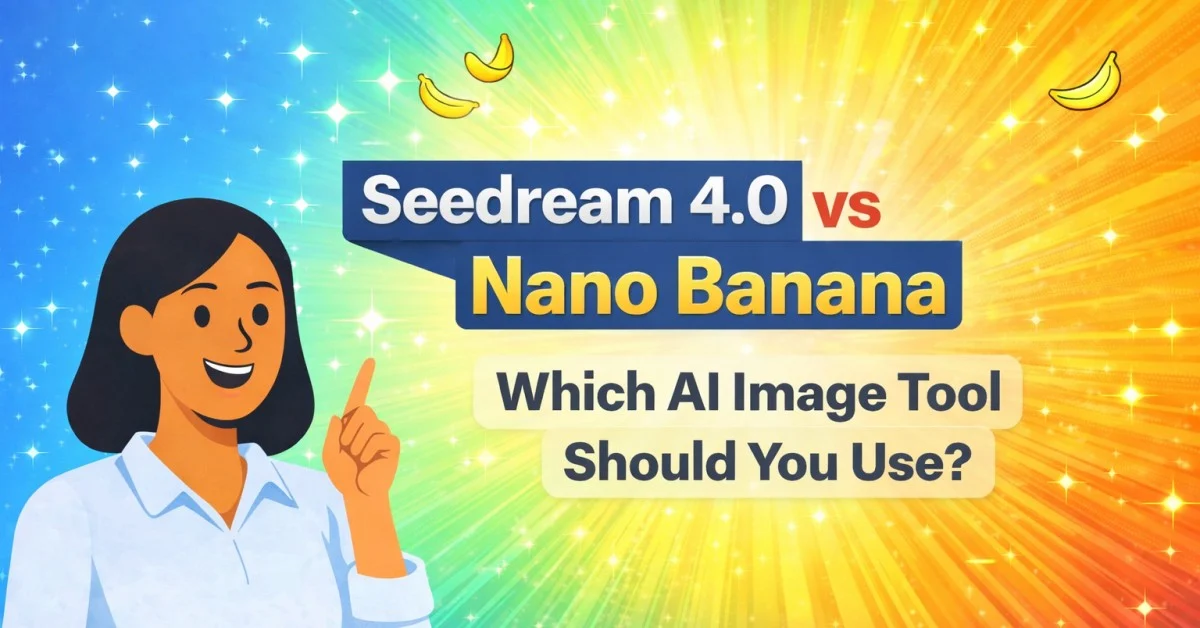
AI image tools are becoming part of daily work for creators, bloggers, students, and online sellers. Earlier, editing a photo or designing a banner meant using complex apps. Now, many of these tasks can be done just by writing a simple prompt.
One tool that is getting attention recently is Google Nano Banana. Many users also call it Gemini Nano Banana, because it works inside the Gemini ecosystem. If you create visuals regularly, this tool can save time and help you build content faster.
In this post, you will learn what Nano Banana is, how it works, and the best Nano Banana use cases that you can try today. I also added Nano Banana prompts you can copy and edit for your own needs.
Table of Contents
What Is Nano Banana?
Nano Banana is a popular nickname given to Google’s Gemini image generation and image editing model. In simple words, it helps you create images using text prompts and also edit images that you upload.
Many people link Nano Banana with Gemini 2.5 Flash Image, because that model focuses on quick, practical image creation and editing. The results depend on your prompt and input image, but in many cases it works well for basic and mid-level image tasks.
If you are searching about Nano Banana AI, it usually means people are talking about this Gemini image tool used for tasks like background change, style blending, object placement, and prompt-based image edits.
How to Use Nano Banana in Gemini (Step-by-Step)
If you’re new and want to know how to use Nano Banana in Gemini, the process is simple.
Open the Gemini app or Gemini website. Go to tools and select the image feature (often named “Create Images” or similar). Then write a prompt or upload an image for editing. After generating, you can continue with follow-up prompts to refine the result.
This multi-step editing is one reason why the Nano Banana image model is useful for creators and bloggers.
Why Nano Banana Is Useful (Simple Reason)
The biggest reason people use Nano Banana is because it reduces the effort needed to create visuals.
You don’t need expert editing skills. You don’t need big software. You simply explain what you want, and the tool tries to produce it. When you improve your prompts, the output quality also improves.
That’s why Nano Banana use cases are growing across many industries, including eCommerce, blogging, social media, and education.
13+ Practical Nano Banana Use Cases (With Prompts)
Now let’s go through the most practical and useful use cases.
1) eCommerce Product Images and Product Carousels
If you sell products on Amazon, Flipkart, Meesho, Shopify, or your own store, you already know product images matter a lot. A clean product photo increases trust, improves clicks, and makes the listing look professional.
Nano Banana can help create simple studio-style visuals using your product photo. Many people use Nano Banana for product carousels because they want multiple angles or different backgrounds without doing a shoot.
Try this Nano Banana prompt:
Create a clean eCommerce product photo with soft natural lighting, minimal background, and realistic shadow under the product. Keep it realistic.
You can also try a second prompt to build carousel variations:
Create a second image of the same product on a marble surface with soft sunlight, minimal props, and clean composition.
This use case is perfect for bloggers too. If you write about skincare, gadgets, or home items, you can create better visuals for your blog post.
2) Social Media Graphics for Instagram and Facebook
Designing daily posts takes time. A simple Gemini AI image generator workflow can speed it up.
Nano Banana is useful for creating social visuals such as quote posts, announcement graphics, and mini banners.
Prompt example:
Create a minimal Instagram post graphic about AI tools. Use a clean layout, soft gradient background, and simple icons. Add space for text on the right side.
If you’re writing on Zesevo.in and want to share posts on Instagram, this use case fits perfectly.
3) YouTube Thumbnail Concepts
YouTube thumbnails affect CTR a lot. Not every creator can design thumbnails daily, so Nano Banana becomes a good option for drafts and concepts.
Try this prompt:
Create a YouTube thumbnail concept about “Nano Banana Use Cases”. Use a clean background, big readable title text, and a simple illustration of Gemini AI image editing.
You can then take the generated idea and finalize it in Canva. Many creators follow this workflow because it is faster.
This is also why people search for Nano Banana for YouTube thumbnails.
4) Professional Headshots for LinkedIn
Many users want professional photos but don’t want to go for a photoshoot. Nano Banana can help generate a formal looking headshot using your image.
Prompt:
Generate a professional LinkedIn profile photo headshot with a clean background and natural lighting. Keep face realistic.
Important note: Don’t try to change the face too much. Keep edits minimal so it looks natural.
This is one of the most searched Nano Banana use cases because it is useful for students, job seekers, and working professionals.
5) Blending Two Images Together
Sometimes you want to merge two images to create a single scene.
For example, creators merge two people, or create a fun collage, or place two characters in the same background.
Prompt:
Blend these two images into one photo. Place both people together in a natural setting with consistent lighting and realistic shadows.
This is also useful if you want a simple collaboration photo concept.
6) Virtual Clothes Try-On
A common use case is Nano Banana virtual try on. People upload their own photo and an outfit photo. Nano Banana generates a new photo where the person appears to be wearing that outfit.
Prompt:
Create a new image by combining the provided images. Take the person from image 1 and give them the outfit from image 2. Keep the face natural and realistic. Use a simple neutral background.
This doesn’t work perfectly every time, but it can still help visualize outfits.
7) Consistent Characters for Stories and Comics
One of the most useful parts of Gemini Nano Banana is character consistency. If you’re creating a character and want the same look in multiple scenes, this helps a lot.
That’s why people search for Nano Banana character consistency.
Prompt:
Use the character in this image and create a new image where the same character is sitting in a coffee shop holding a cup. Keep hairstyle, face, and outfit consistent.
This can help you create: children story content, simple comics, storyboard drafts, Instagram stories, and illustrations for blog posts.
8) Home Interior Redesign Edits
Nano Banana is also used for home interior ideas. You can upload your room photo and ask it to add furniture, change wall color, or apply a wallpaper style.
This is often searched as Nano Banana interior design edits.
Prompt:
Redesign this living room in a modern minimal style. Add a light-colored sofa, a small coffee table, and warm lighting. Keep shadows realistic.
This is helpful for home bloggers and interior pages.
9) Visualizing a Location (Concept View)
Some users create location visuals using a map or screenshot and try to generate a view of the place.
Prompt:
Generate a realistic street-level view of this area based on the location shown. Keep it natural and realistic.
This can be useful for travel planning content, blog visuals, or real estate previews. Don’t treat it as exact reality, but it can give an idea.
10) Changing Camera Angles
If you have one image and want different angles, you can try prompt-based changes.
This is helpful for product visuals, comic scenes, or social designs.
Prompt:
Create a high-angle view of this scene from above. Keep the objects similar and lighting consistent.
Sometimes it changes more than expected, so you can correct it with follow-up prompts.
11) Restoring Old Photos (Basic Enhancement)
Old photos can be blurry, low-quality, or black and white. Nano Banana can improve them slightly and add colour.
This is searched as Nano Banana photo restore.
Prompt:
Enhance the quality of this old photo, reduce blur, improve clarity, and colorize naturally.
The tool can improve a lot, but it has limits. Don’t expect full “4K recovery” for very damaged images.
12) Real-World Annotation and Labels
This use case is helpful for education content. You upload a photo of a building, place, or object, and the model generates a labeled/annotated version.
Prompt:
Highlight important elements in this image and annotate them with short labels.
If you publish educational posts on Zesevo.in, this can help create original blog visuals.
13) Blog Featured Images and Banners
For bloggers, this is one of the most useful use cases. You can create:
feature images, blog banners, Pinterest graphics, and topic illustrations.
Prompt:
Create a simple blog feature image for the topic “Nano Banana Use Cases”. Use clean design, minimal icons, and space for title text. Keep it professional and simple.
This is perfect for building a consistent look across Zesevo.in.
Best Nano Banana Prompts (Simple Prompt Writing Tips)
If you want better output, your prompt matters more than anything.
Here are simple rules that work well:
Write exactly what you want. Mention background, lighting, style, and tone. Keep the prompt short but clear. If you want realistic output, use words like “realistic”, “natural”, “real lighting”, and “soft shadow”.
Also, don’t try to add 10 requirements in one line. Do it step-by-step.
For example:
- First prompt: change background
- Second prompt: change lighting
- Third prompt: add text space
- Fourth prompt: final clean look
This is the easiest workflow for AI photo editing in Gemini.
Final Thoughts
Nano Banana is getting popular because it makes image creation and image editing easier for normal users. You can use it for product photos, thumbnails, social graphics, character consistency, and even basic photo restoration.
If you run a blog like Zesevo.in, this tool can also help you create original visuals and improve the overall look of your posts without needing a designer every time.