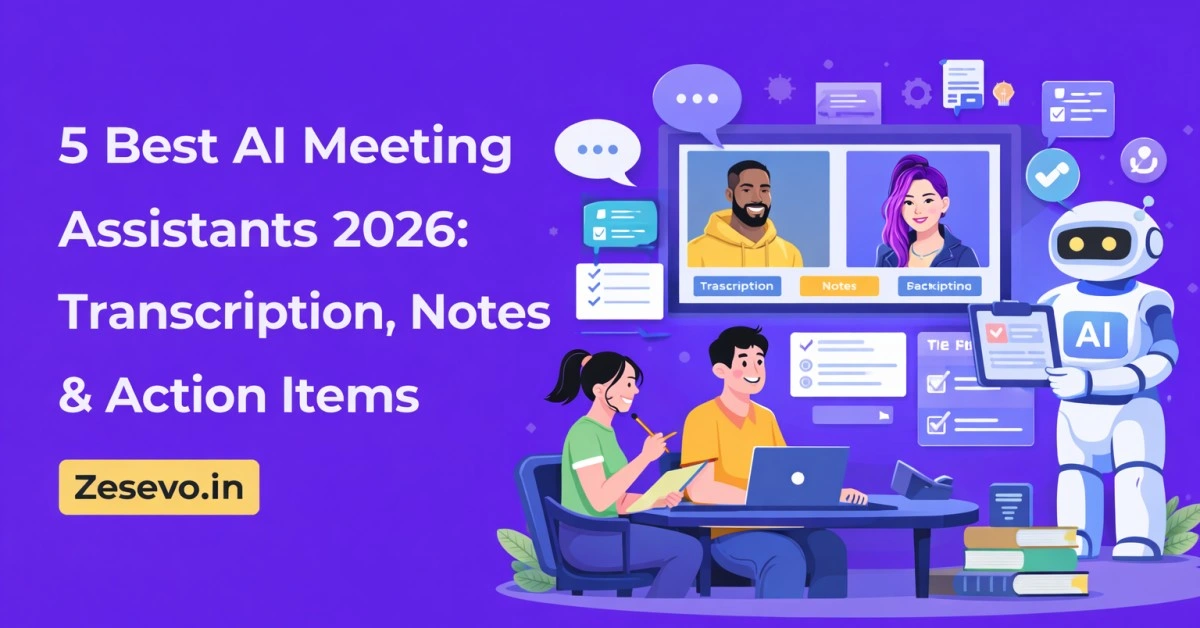
Meeting discussions move fast, but written notes often lag behind. When you try to listen, participate, and write at the same time, important details are easy to miss. After the meeting ends, organizing notes, sending follow-ups, and tracking action items often takes more time than expected.
AI meeting assistants help solve this problem by recording conversations, converting speech into text, and organizing outcomes such as summaries and action items. Instead of manually rewriting notes, you can review a clean transcript and focus on decisions that matter.
This article selects 5 AI meeting assistants that are practical for daily work in 2026. The tools are chosen after reviewing features, free limits, privacy practices, and usability. The content is written for Zesevo.in readers and is fully original, neutral in tone, and suitable for AdSense.
Table of Contents
How These AI Meeting Assistants Were Selected
To narrow the list, several meeting tools were reviewed and compared. Preference was given to tools that offer useful features on their free plans and do not require complex setup.
The main evaluation points were:
- Accuracy of transcription and speaker detection
- Quality of summaries and action items
- Availability of AI chat or search inside meetings
- Ease of use for individuals and small teams
- Free plan limits and transparency
- Data privacy and storage practices
Based on these criteria, the following five tools stood out for everyday meeting use.
Quick Comparison Table
| Tool | Transcription | AI Summary | Free Plan Highlights | Best For |
|---|---|---|---|---|
| Otter AI | High | Yes | 300 minutes/month, AI chat | Simple meeting notes |
| Notta | High | Yes | 120 minutes/month | Structured summaries |
| Fireflies AI | Moderate–High | Yes | Limited summaries | Meeting search & insights |
| Tactiq | Moderate | Yes | 10 transcripts/month | Live Chrome transcription |
| tl;dv | Moderate | Yes | Unlimited recordings | Long meetings |
1. Otter AI – Best for Simple and Clear Meeting Notes
Otter AI is one of the most commonly used meeting transcription tools. It records meetings, creates live transcripts, and produces short summaries after the call ends.
Key Features
- Real‑time transcription for meetings
- Automatic summaries with action items
- Built‑in AI chat to ask questions about meetings
- Export transcripts in text format
Free Plan
- 300 minutes of transcription per month
- 30‑minute limit per meeting
- Limited file imports
Limitations
- Interface feels dated compared to newer tools
- Limited language support
Best for: Freelancers, educators, and job seekers who need readable meeting notes without extra setup.
2. Notta – Best for Structured Meeting Documentation
Notta focuses on turning conversations into organized notes. Along with transcripts, it generates summaries, chapters, and clear action items.
Key Features
- Fast transcription for uploaded or live meetings
- Structured summaries and chapters
- AI‑generated mind maps for meetings
- Templates for different meeting types
Free Plan
- 120 transcription minutes per month
- Limited access to summaries
Limitations
- Full transcript visibility is restricted on free plan
- AI chat is part of paid plans only
Best for: Teams that prefer structured notes with clear sections.
3. Fireflies AI – Best for Searching Past Meetings
Fireflies AI helps teams store and search conversations. It records meetings and allows users to search keywords across multiple transcripts.
Key Features
- Meeting transcription with timestamps
- Automatic summaries and highlights
- Keyword search across meetings
- Basic sentiment and speaker insights
Free Plan
- Limited transcription and summaries
- Storage limits apply
Limitations
- Speaker detection may be inconsistent
- Export options are limited in free version
Best for: Sales teams and managers reviewing recurring meetings.
4. Tactiq – Best for Live Chrome Transcription
Tactiq works directly inside the Chrome browser and transcribes meetings in real time without recording audio files.
Key Features
- Live transcription during meetings
- AI summaries and action items
- Easy export to text or document files
- No meeting bot required
Free Plan
- 10 transcripts per month
- Limited AI credits
Limitations
- No mobile or desktop app
- Speaker labels may be missing
Best for: Professionals who rely on Google Meet and Chrome.
5. tl;dv – Best for Long and Frequent Meetings
tl;dv offers unlimited meeting recordings and transcripts on its free plan, making it useful for users with frequent calls.
Key Features
- Unlimited recordings and transcripts
- Time‑stamped highlights
- AI summaries and topic detection
Free Plan
- Unlimited transcription
- Limited AI chat usage
Limitations
- Slow processing for large files
- Limited export options
Best for: Users who attend many meetings and need unlimited transcription.
Why Use AI Meeting Assistants
AI meeting tools reduce the effort needed to manage discussions. They help users:
- Stay focused during meetings
- Access written records quickly
- Share summaries with teammates
- Track action items consistently
Instead of rewriting notes, teams can spend more time on follow‑ups and decisions.
Conclusion
AI meeting assistants are becoming part of regular workflows in 2026. They help convert conversations into organized notes, summaries, and tasks without adding extra work.
Among the tools listed, Otter AI works well for general note‑taking, Notta suits structured documentation, Fireflies AI helps with searching conversations, Tactiq fits live Chrome meetings, and tl;dv is useful for unlimited recordings.
Choosing the right tool depends on how often you attend meetings and how detailed your notes need to be. Testing free plans is a practical way to find the best fit.
FAQs
Are AI meeting assistants safe to use?
Most tools follow standard security practices, but users should review privacy policies before uploading sensitive calls.
Can these tools work without joining meetings as bots?
Yes. Tools like Tactiq and Otter support bot‑free transcription.
Do free plans support long meetings?
Some tools limit meeting length, while others like tl;dv allow unlimited recordings.
Read Also: 5 Best AI Tools for Chatting with PDF in 2026 (Tested & Compared)